Transitions
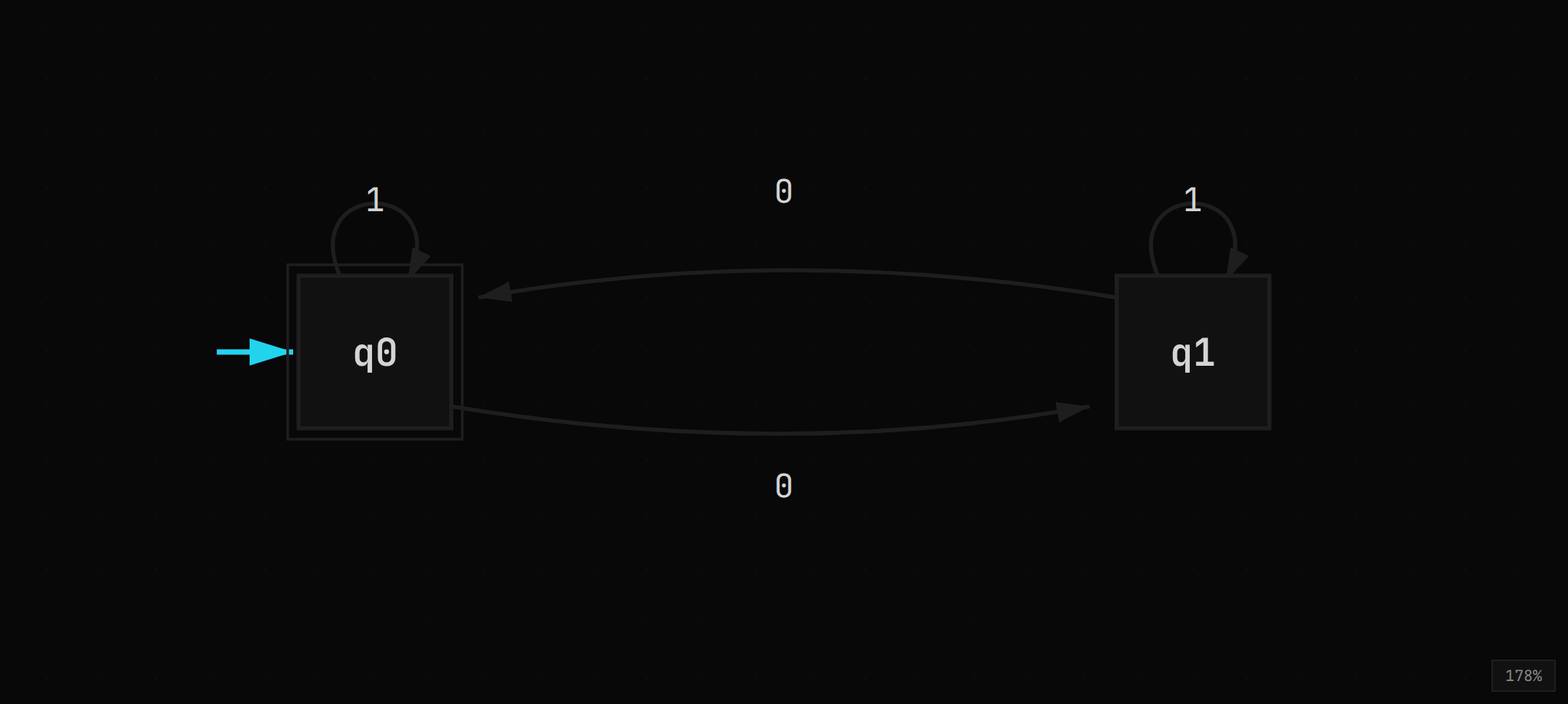
Adding transitions
→ Press T for the transition tool (cursor becomes crosshair)
→ Click and drag from one state to another (a dashed preview line follows your cursor)
→ Release over the target state to create the transition; release over empty space to cancel
→ A label editor opens automatically on creation. Type your symbol(s) and press Enter to confirm, or Escape to cancel
→ Drag from a state back to itself for a self-loop (rendered as a curved path above the state)
→ On touch devices, the same drag gesture works: tap a state and drag to the target
Duplicate handling
→ For DFA, NFA, Mealy, and Moore modes: if a transition between two states already exists, dragging between them opens the existing transition for editing instead of creating a duplicate. This lets you add more symbols to the same edge.
→ For PDA and TM modes: multiple transitions between the same pair of states are allowed (since each has different read/pop/push or read/write/move specifications). Each creates a separate edge.
→ Multiple self-loops on the same state stack vertically; each loop is offset 18px higher than the previous, with spread increasing by 4px per loop
Editing transitions
→ Click a transition edge or label to select it (highlighted in accent color with a brighter arrowhead)
→ Double-click a transition to edit the label inline
→ Separate multiple symbols with commas: a, b, c
→ Right-click a transition for Edit Label / Delete options
→ Bidirectional transitions (A→B and B→A both exist) automatically curve with a 20px offset to avoid overlap
→ The label editor shows a placeholder hint based on the current mode (e.g., a, Z → AZ for PDA, a → b, R for TM)
Default symbols by mode
When a new transition is created, it gets a default symbol based on the current mode:
→ DFA: a
→ NFA: ε (epsilon transition)
→ PDA: a, Z → Z
→ TM: a → a, R
→ Mealy: a/0
→ Moore: a (output is in the state label)
Transition format reference
| Mode | Format | Example | Notes |
|---|---|---|---|
| DFA / NFA | symbol | a, b, ε | Comma-separated; ε for epsilon |
| PDA | input, pop → push | a, Z → AZ | Use ε for no-read, no-pop, or no-push; → or -> accepted |
| TM | read → write, dir | a → b, R | Direction: R (right), L (left), S (stay); * for any symbol |
| Mealy | input/output | a/0, b/1 | Output produced on each transition |
| Moore | input | a, b | Output is in state label: q0/0 means state q0 outputs 0 |